DPD for KOReader
--- Coming Soon ---
Soon you will be able to read Pāḷi with DPD right inside KOReader, the free e-book reading app that runs on Kindle, Kobo, PocketBook and many other devices.
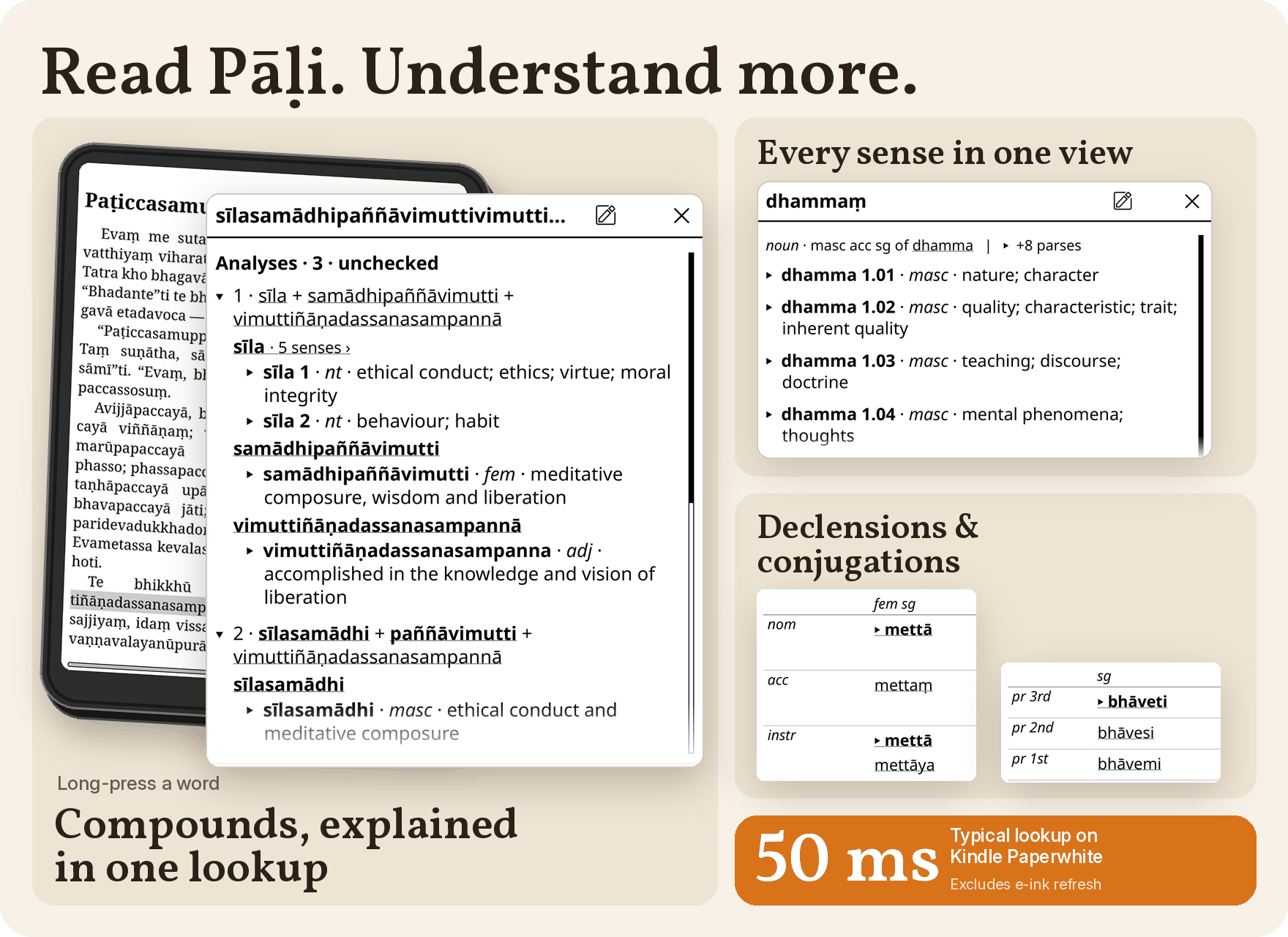
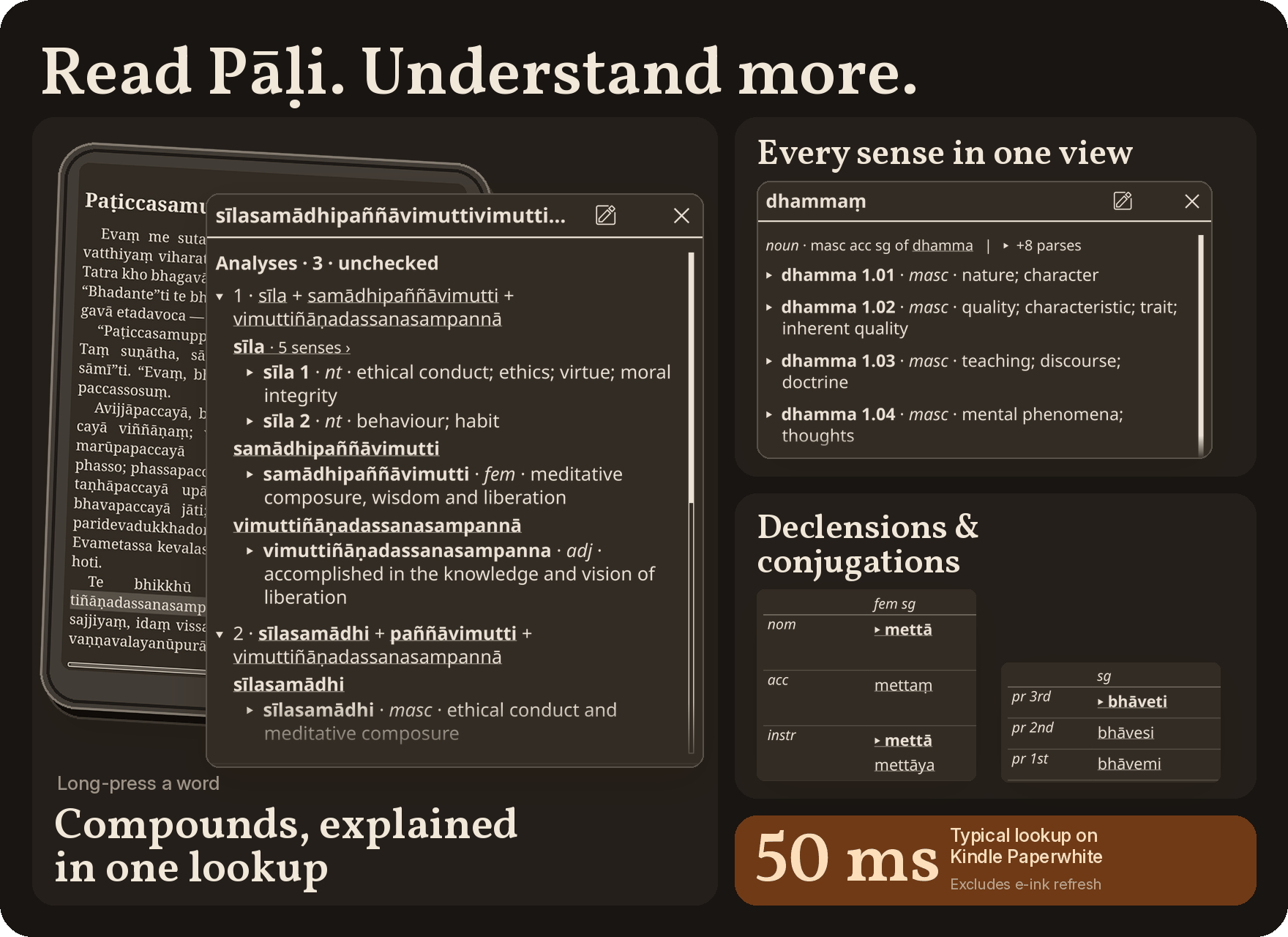
Long-press any Pāḷi word while you are reading, and the DPD entry pops up on the page. All the meanings appear together, compounds are broken into their parts, and the grammar tables are a tap away. Close the popup and you are back on your page, exactly where you left off.
The plugin is made by Ven. Nirodhavihārī and uses the full DPD mobile database, so it works offline, on the device. It will be a free download from the plugin's releases page when it comes out.
What It Shows
- every sense of the word in one popup, not one at a time
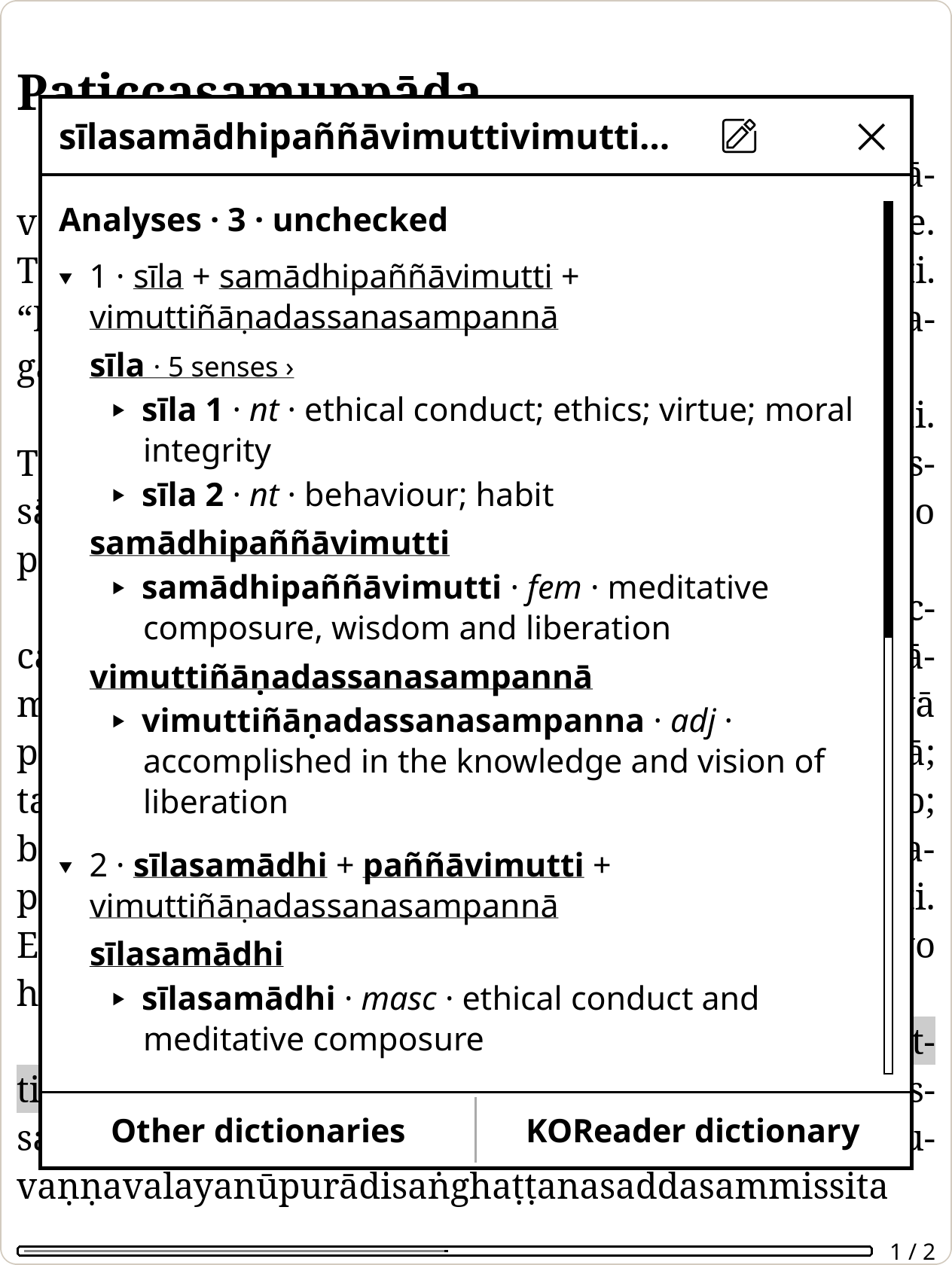
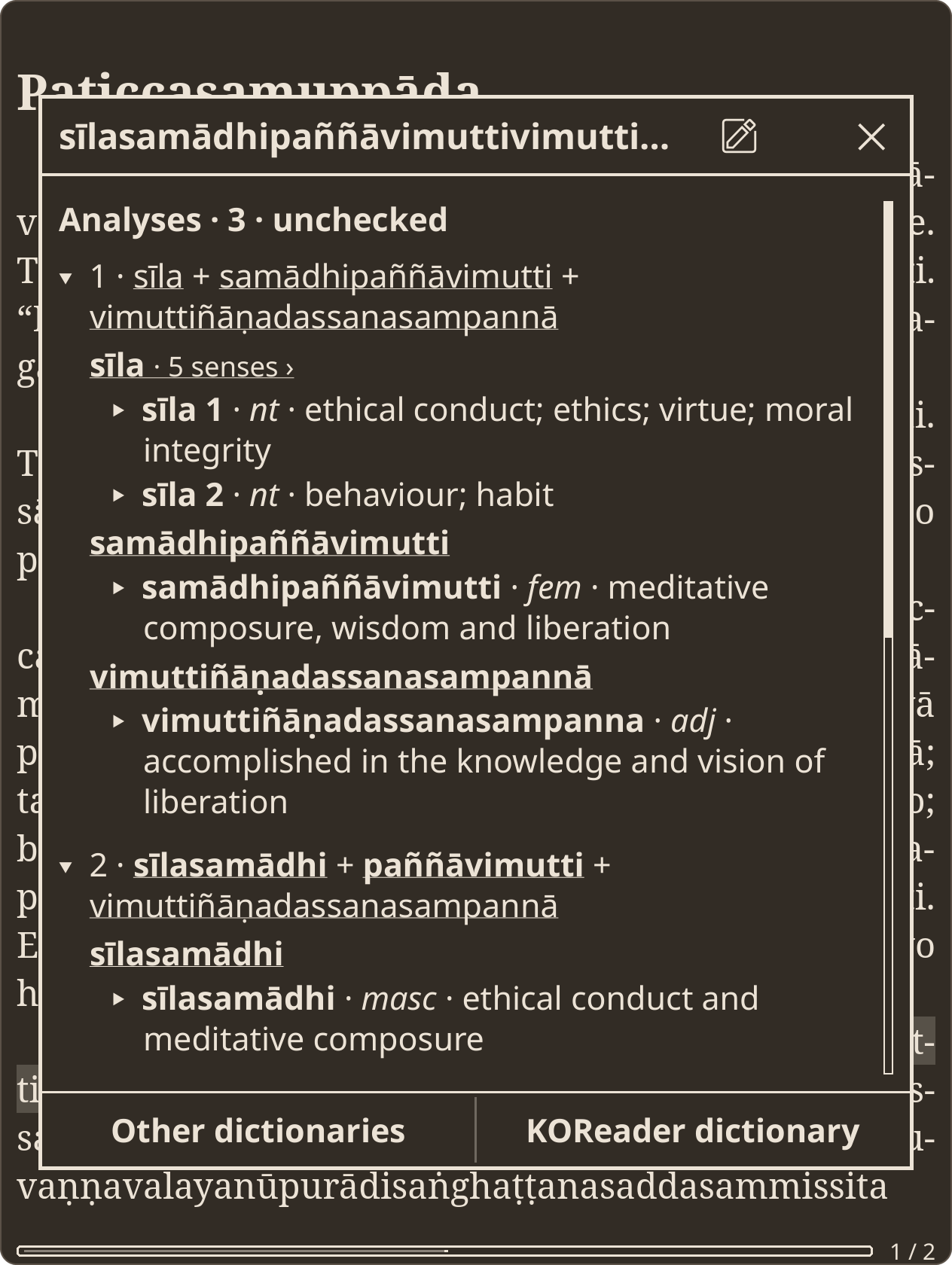
- compounds split into their parts, each with a brief meaning — tap a part to expand it, or follow it to its own entry
- declension and conjugation tables, roots, families and frequency
- search in Pāḷi or English, with spelling suggestions
- DPD's other dictionaries too, such as CPD and DPPN
Here a long compound from a sutta is looked up while reading. Each part of the compound is listed with its own meaning:
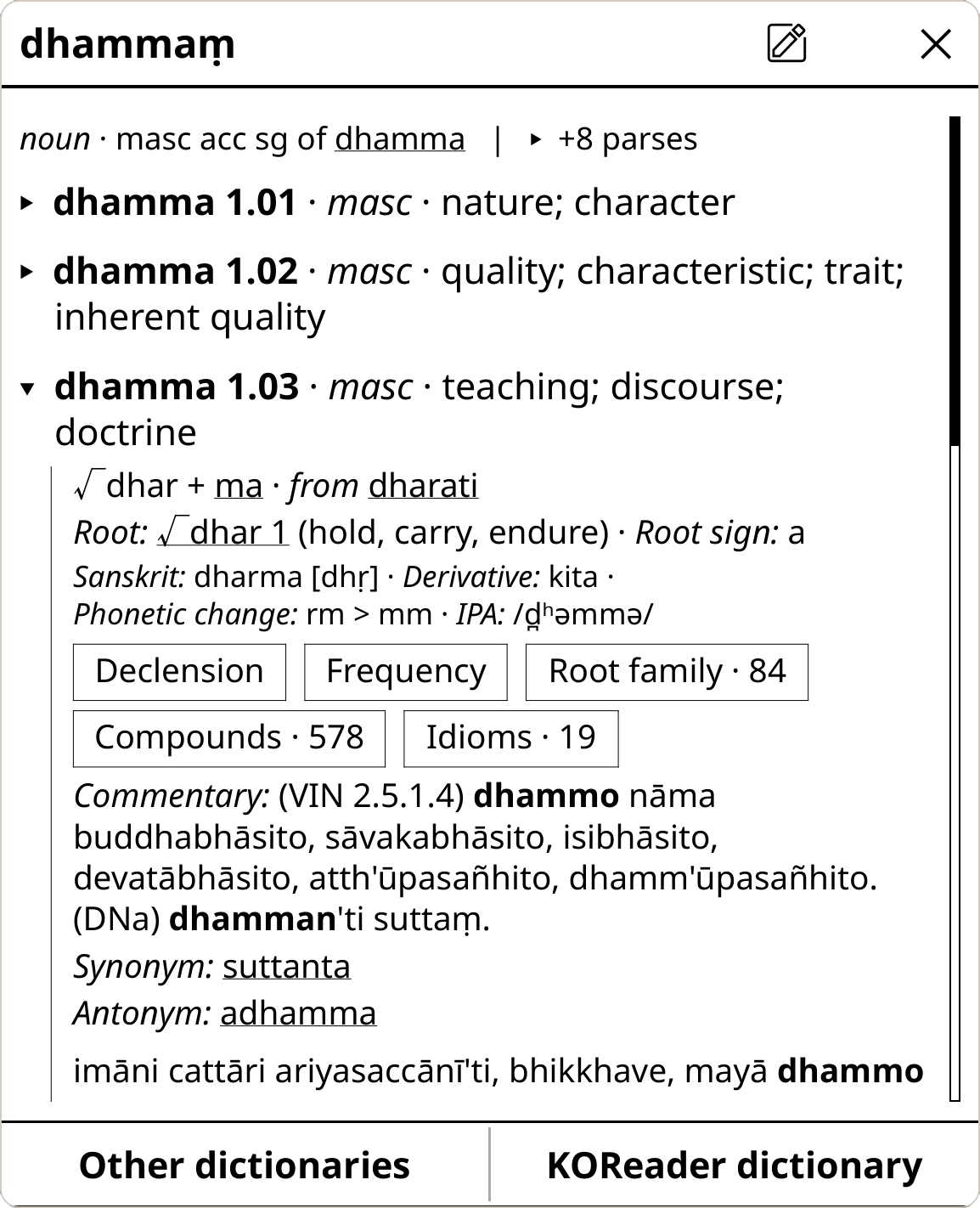
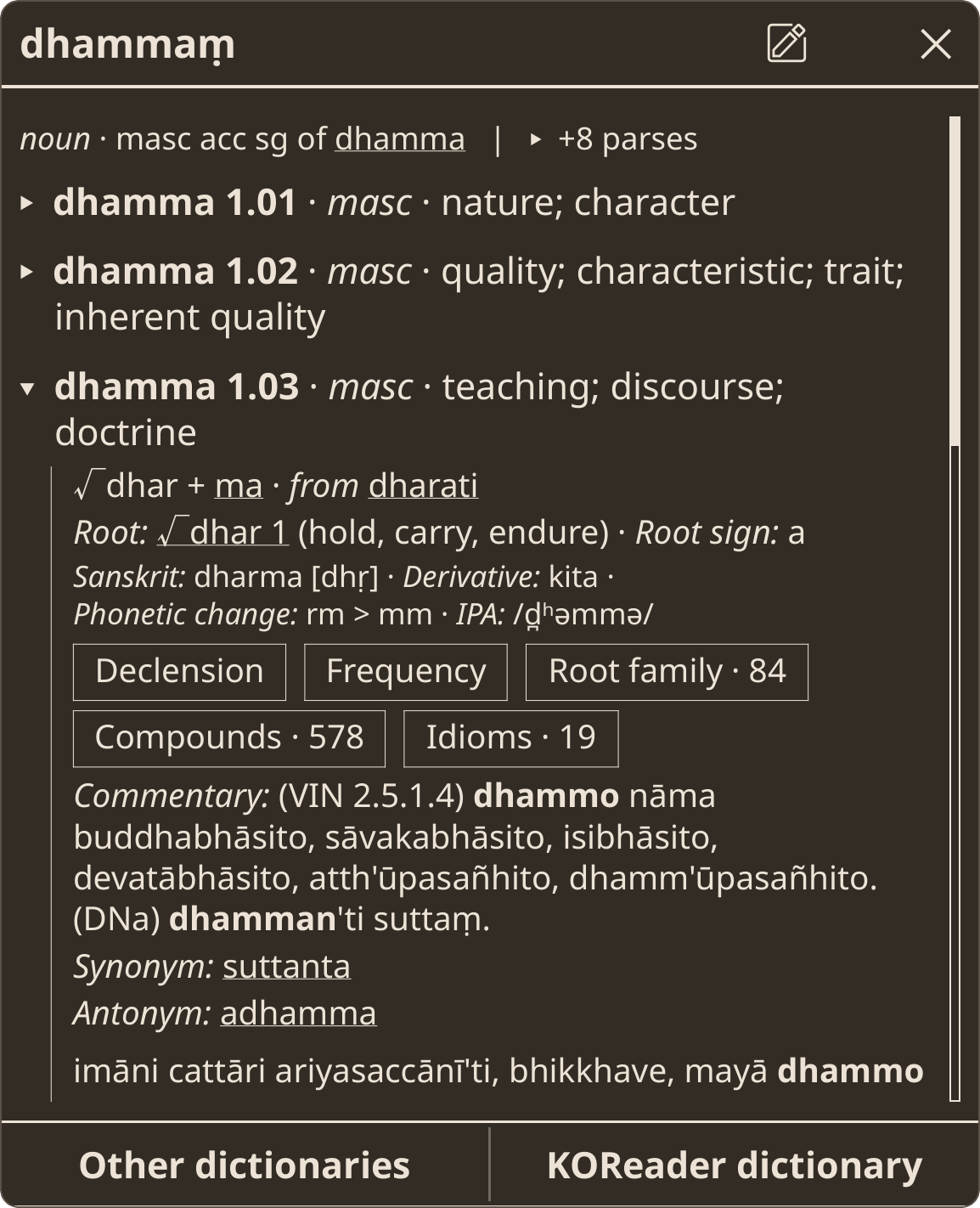
And here are the senses of dhammaṃ, with one expanded in place:
Installation
You will need KOReader v2026.07 or newer (on a Kindle this means a jailbroken device) and about 1.1 GB of free space.
- Download the plugin zip from the releases page and extract it into
koreader/plugins/on the device. - Download
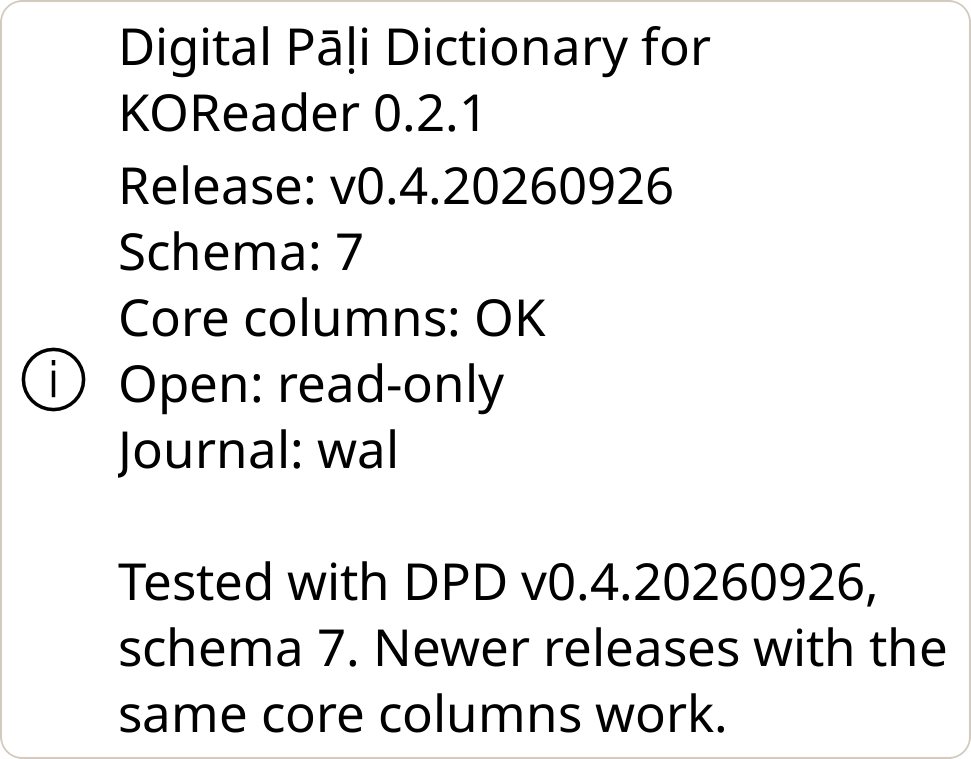
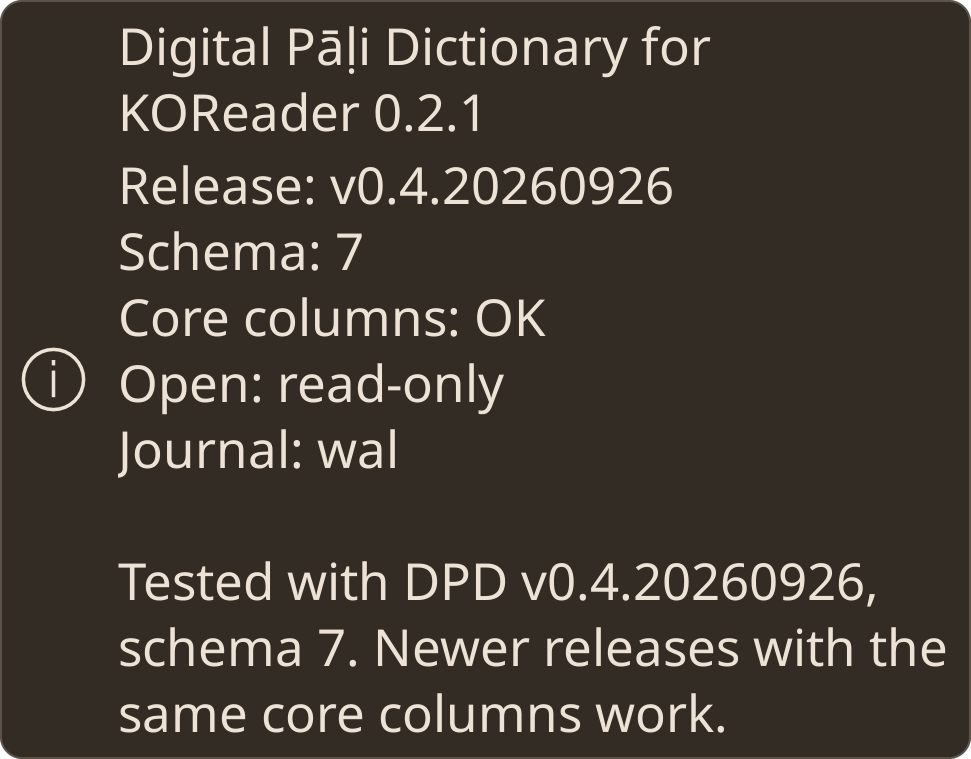
dpd-mobile-db.zipfrom the latest DPD release and copy thedpd-mobile.dbinside it tokoreader/data/dpd/. - Restart KOReader. Database status in the DPD menu should say Core columns: OK.
Full instructions are in the plugin's usage guide, which is also included in the download.
Keeping DPD Up to Date
DPD has a new release every month, on the Uposatha day. To update:
- Download
dpd-mobile-db.zipfrom the latest DPD release. - Exit KOReader, replace
koreader/data/dpd/dpd-mobile.dbwith the new one, and delete any-waland-shmfiles beside it. - Restart KOReader. Database status in the DPD menu shows the new release.
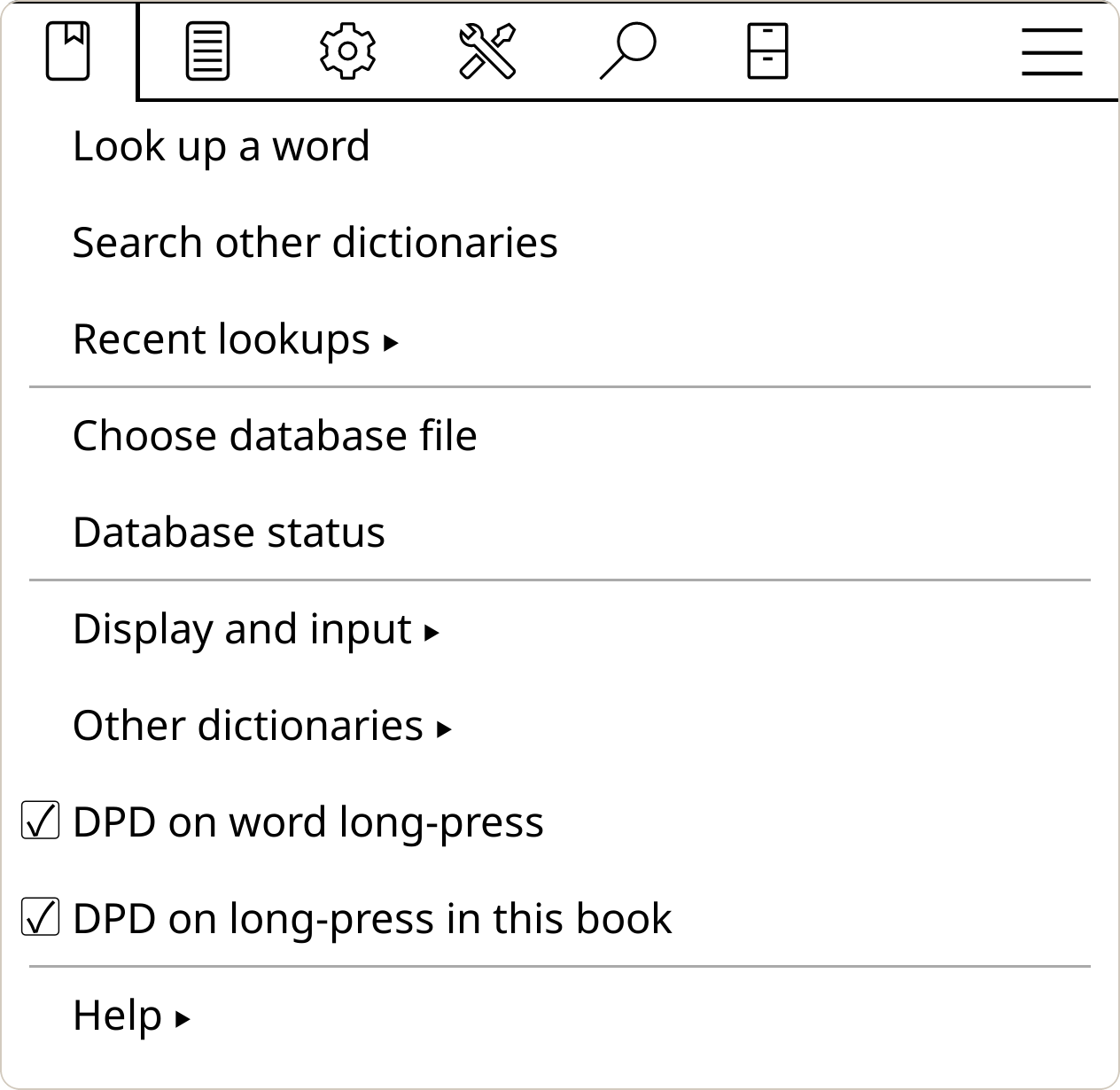
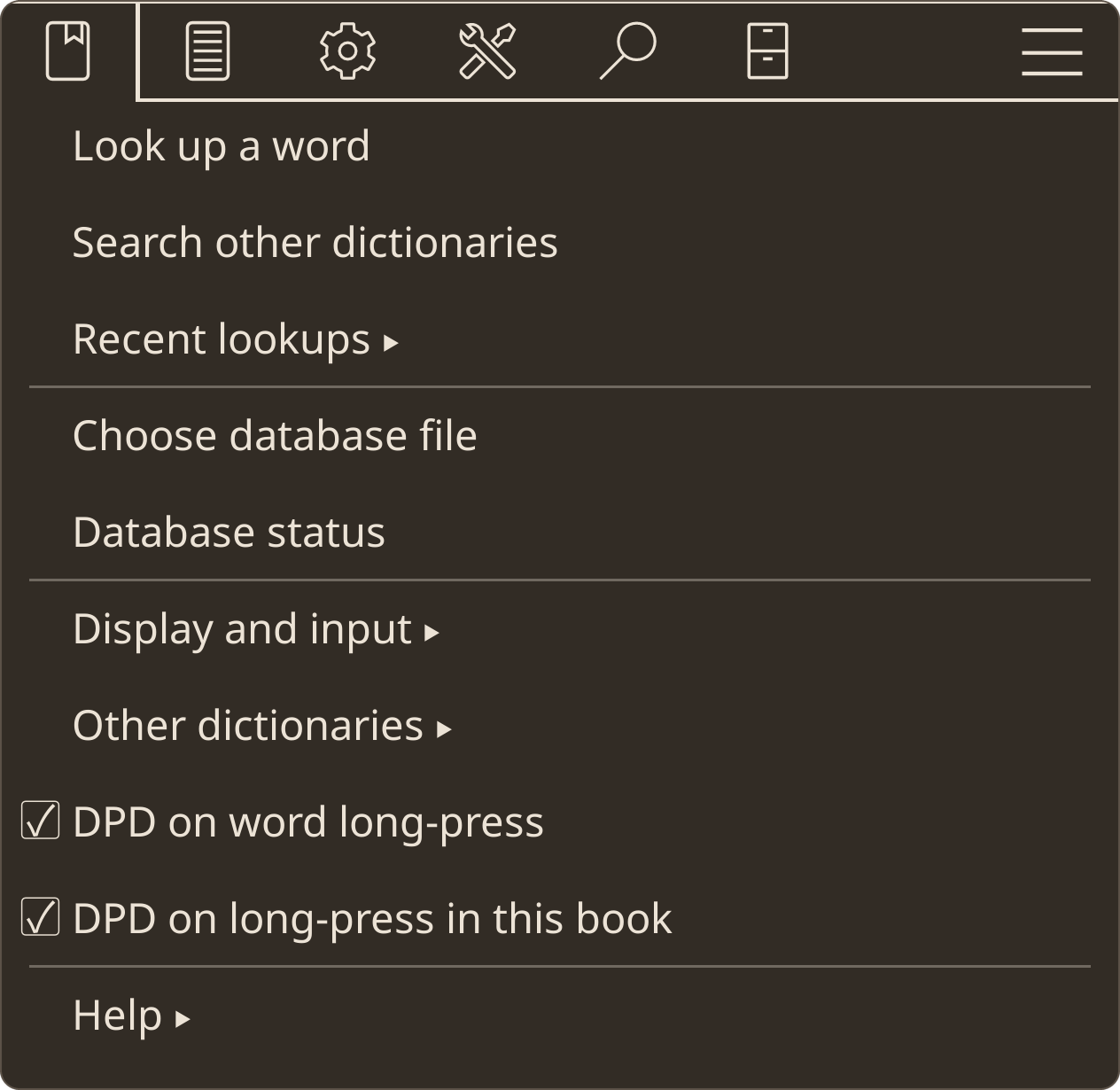
The DPD menu lives under Search → Digital Pāḷi Dictionary:
Bugs and Feedback
Please report bugs on the issue tracker, or write to dpd-koreader@nirodha.8shield.net.