sutamaya
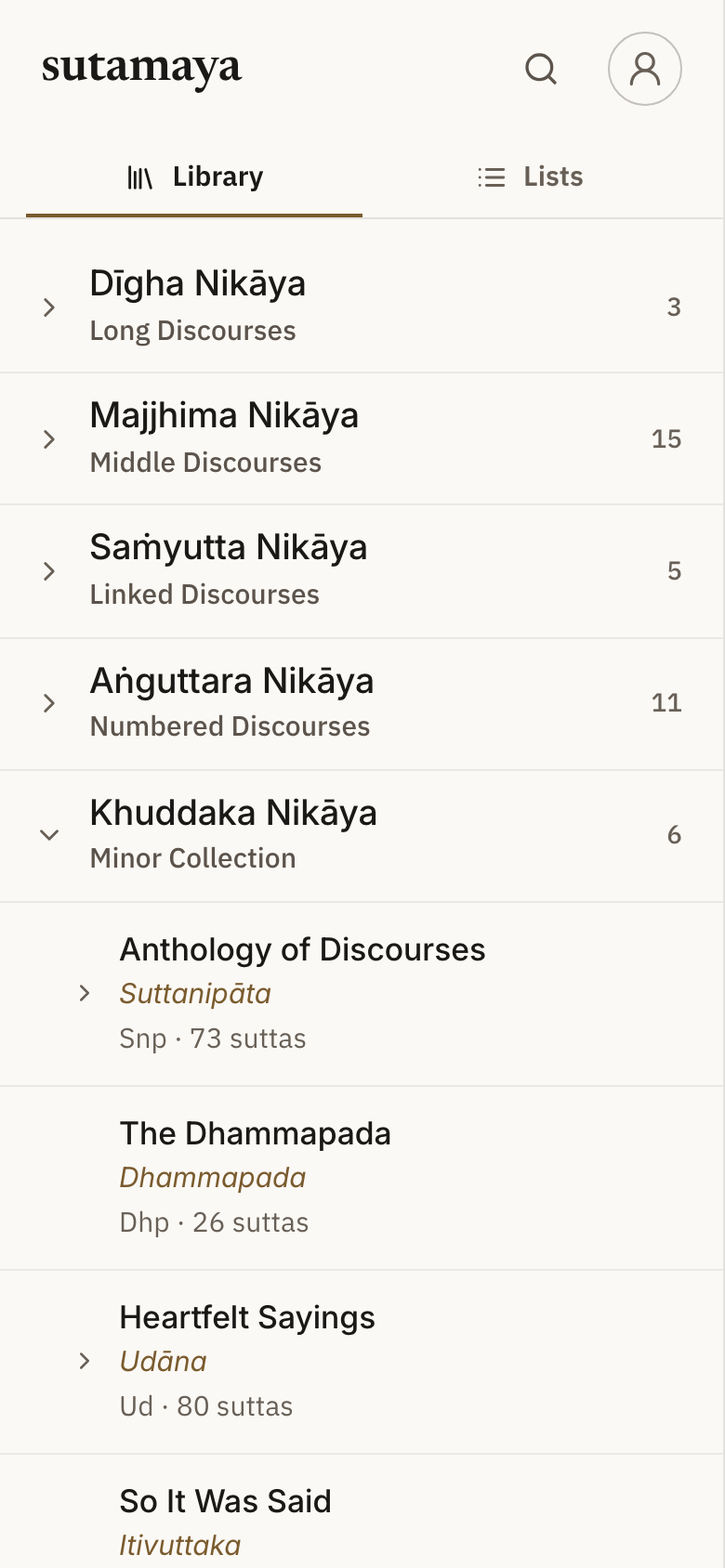
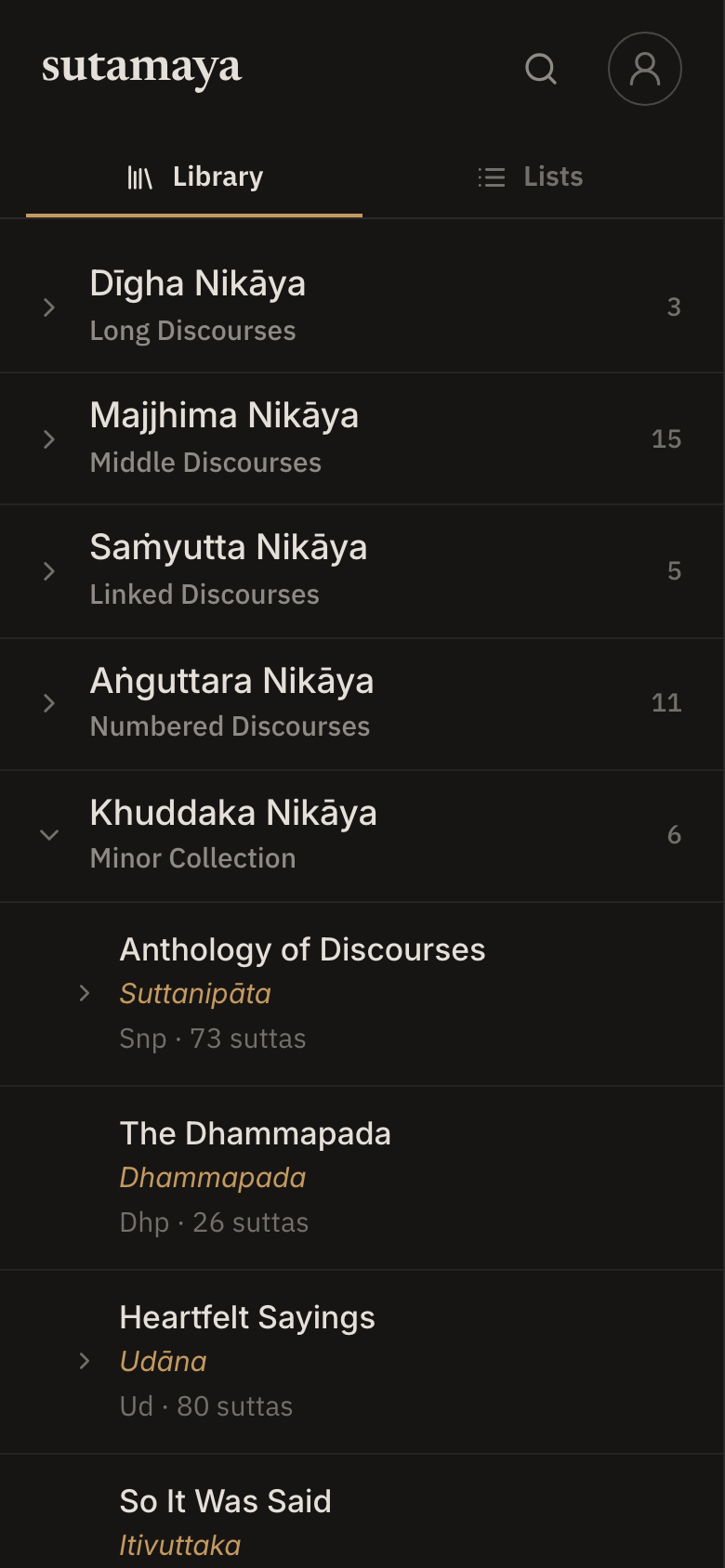
sutamaya is a study app for the Pāḷi suttas. It shows Bhikkhu Sujato's English translation from SuttaCentral, with the Pāḷi under each line. Tap any Pāḷi word and a cut-down version of DPD opens at the bottom of the screen.
If you like reading on SuttaCentral but want a quieter place to study, with your own lists, highlights and notes, this is worth a look. It works offline, needs no account and has no ads.
sutamaya has
- Bhikkhu Sujato's English, with the Pāḷi line by line
- Bhikkhu Bodhi's and Ṭhānissaro Bhikkhu's translations as alternatives, where they exist
- search by sutta number, title or Pāḷi
- highlights in three colours, notes and tags
- lists of suttas, which you can group into folders
- a choice of themes, typefaces and text sizes
Install
sutamaya is available for
- iPhone and iPad from the App Store
- Android from the Play Store
- Any web browser at app.sutamaya.org. There is nothing to install and you do not need an account.
Signing in is optional. If you do, your lists, notes, highlights and reading history sync across your devices. You can sign in with Apple, Google or a code sent to your email.
Reading Offline
The iPhone, iPad and Android apps carry the whole canon, the dictionary and search. They work offline from the first launch.
In a browser, sutamaya keeps the suttas you open on your device. To read without a connection, open Settings and download all the suttas. This is about 16 MB, including the dictionary and search.
Show the Pāḷi
By default the Pāḷi is hidden. Tap any English line to show its Pāḷi.
To show the Pāḷi under every line:
- Open a sutta, such as MN10.
- Tap the Menu button at the top right.
- Open the Style tab.
- Next to Pali, choose Always.
You can also put the Pāḷi above the English instead of below it.
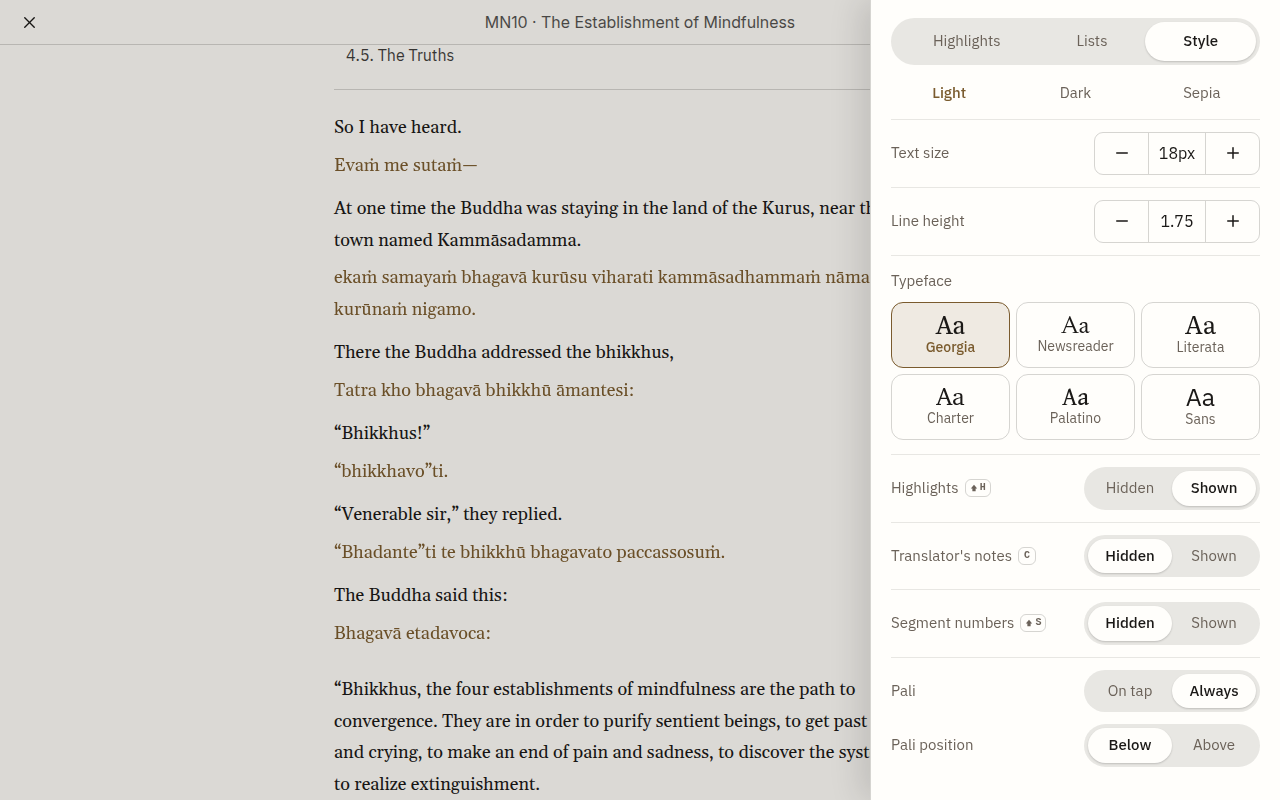
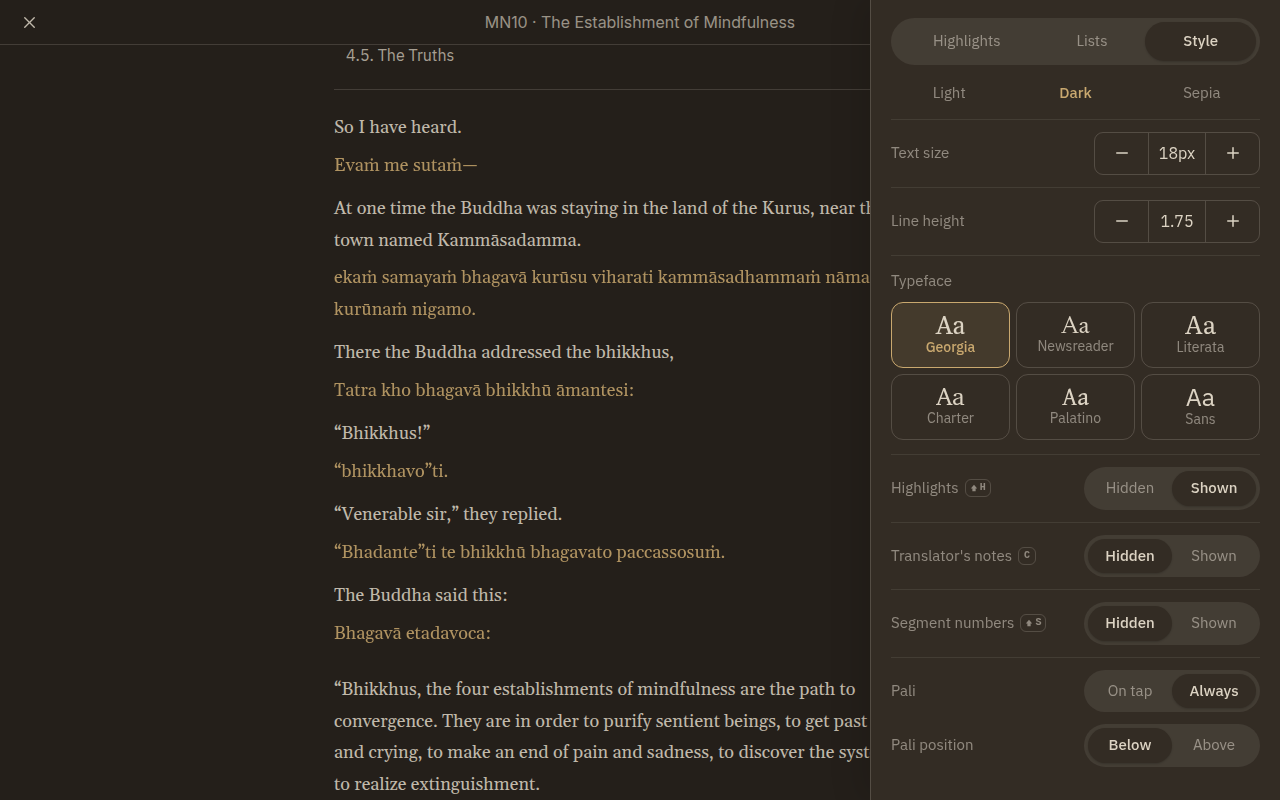
The same tab sets the theme (light, dark or sepia), the text size, the line height and the typeface. You can also turn highlights, translator's notes and segment numbers on or off. Some of these have a keyboard shortcut, shown beside the setting.
Looking Up a Word
DPD is on by default. To look up a word, tap it in the Pāḷi line.
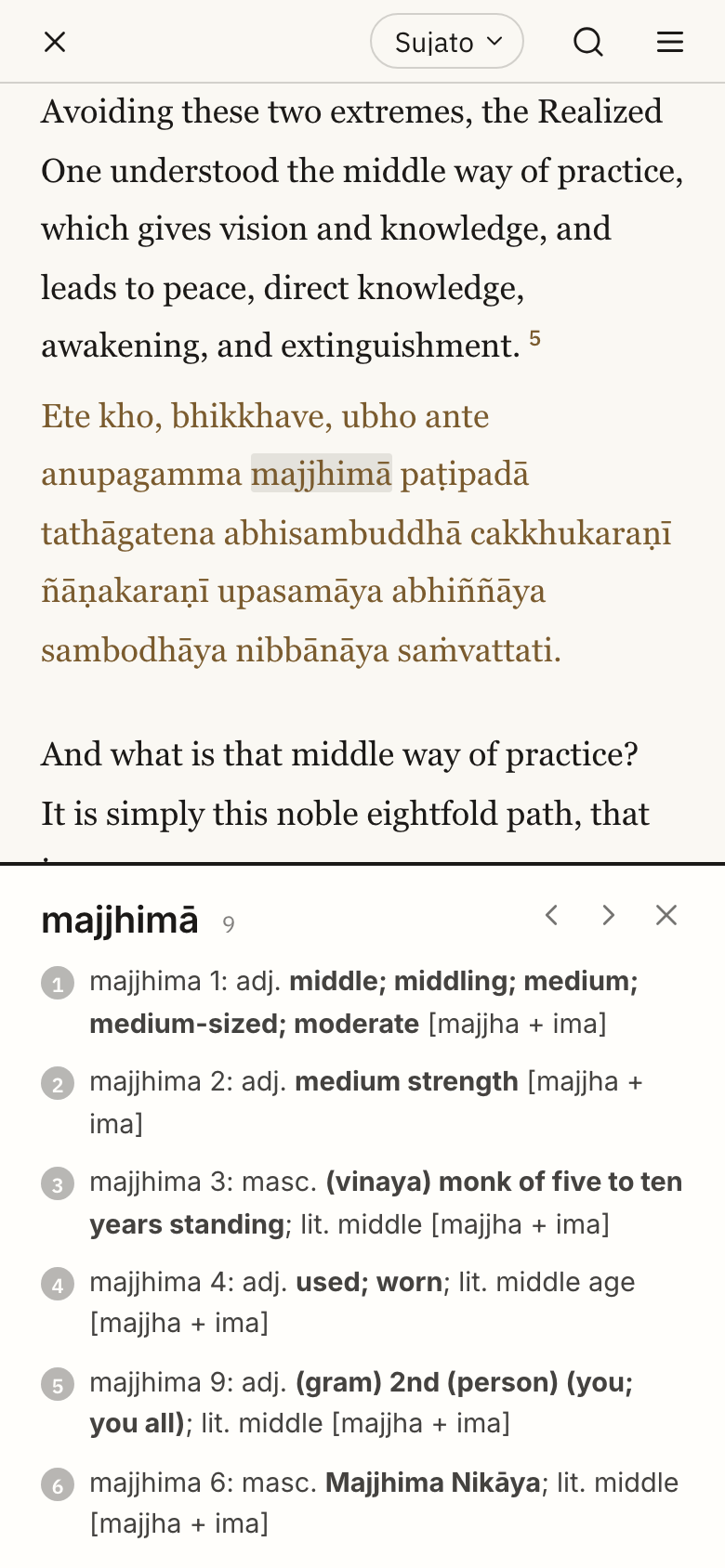
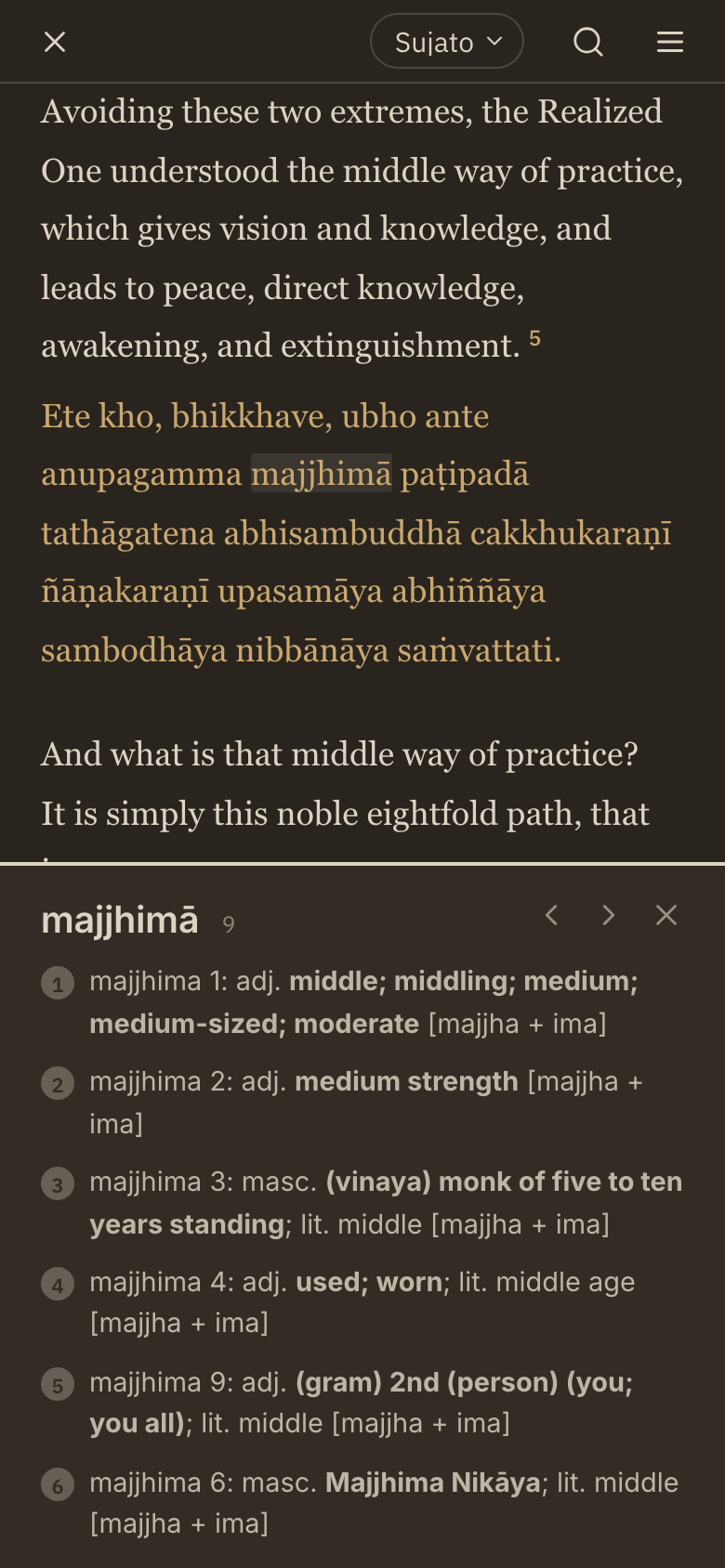
A panel opens at the bottom of the screen. It lists each DPD entry for the word, with the part of speech, the meaning, the literal meaning, and the construction in brackets. When a word has several entries, they are numbered. Use the arrows to go to the previous or next word in the text.
If DPD's deconstructor splits the word, sutamaya shows the split first, then the meanings of each part. If DPD points a variant spelling to another headword, the meanings of that headword show under its own name.
What Is Not in the Panel
sutamaya does not show the whole of DPD. Its dictionary has only the words that appear in its texts. It has no roots, inflection tables, examples, frequency or other scripts. For the full entry, look the word up in DPD itself.
Get The Latest Version of DPD
The dictionary in sutamaya is built from a DPD release by the developer. It is not tied to each monthly release.
When the developer imports a new release, it reaches the browser version on your next visit. The iPhone, iPad and Android apps get it in the background, without a store update.
Walkthrough Videos
- A four-minute walkthrough of the app. It has no voiceover.
- The mobile app introduction, with audio.
More Info
The Pāḷi and the English come from SuttaCentral. sutamaya makes some editorial changes to the English, and lists them on GitHub. Bhikkhu Bodhi's translations also come from SuttaCentral, and Ṭhānissaro Bhikkhu's from dhammatalks.org.
sutamaya is made and kept up by one developer, Gabriel Aszalos. The code is open source under the MIT licence, at github.com/gbbr/sutamaya.org. Go and give it a star ⭐.
For help, see the help page. Please report bugs on the issues page, or email namo@sutamaya.org.