ePitaka
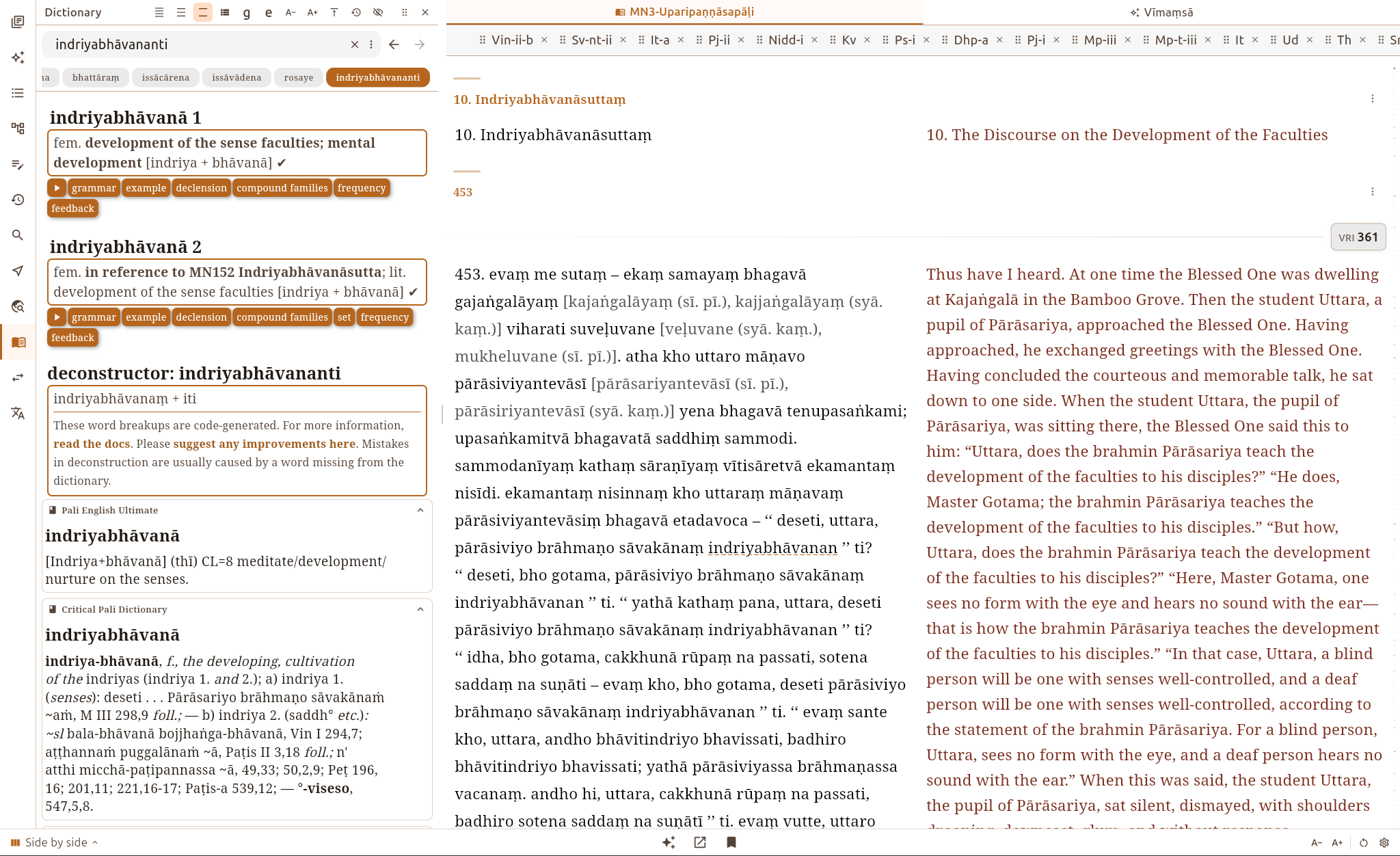
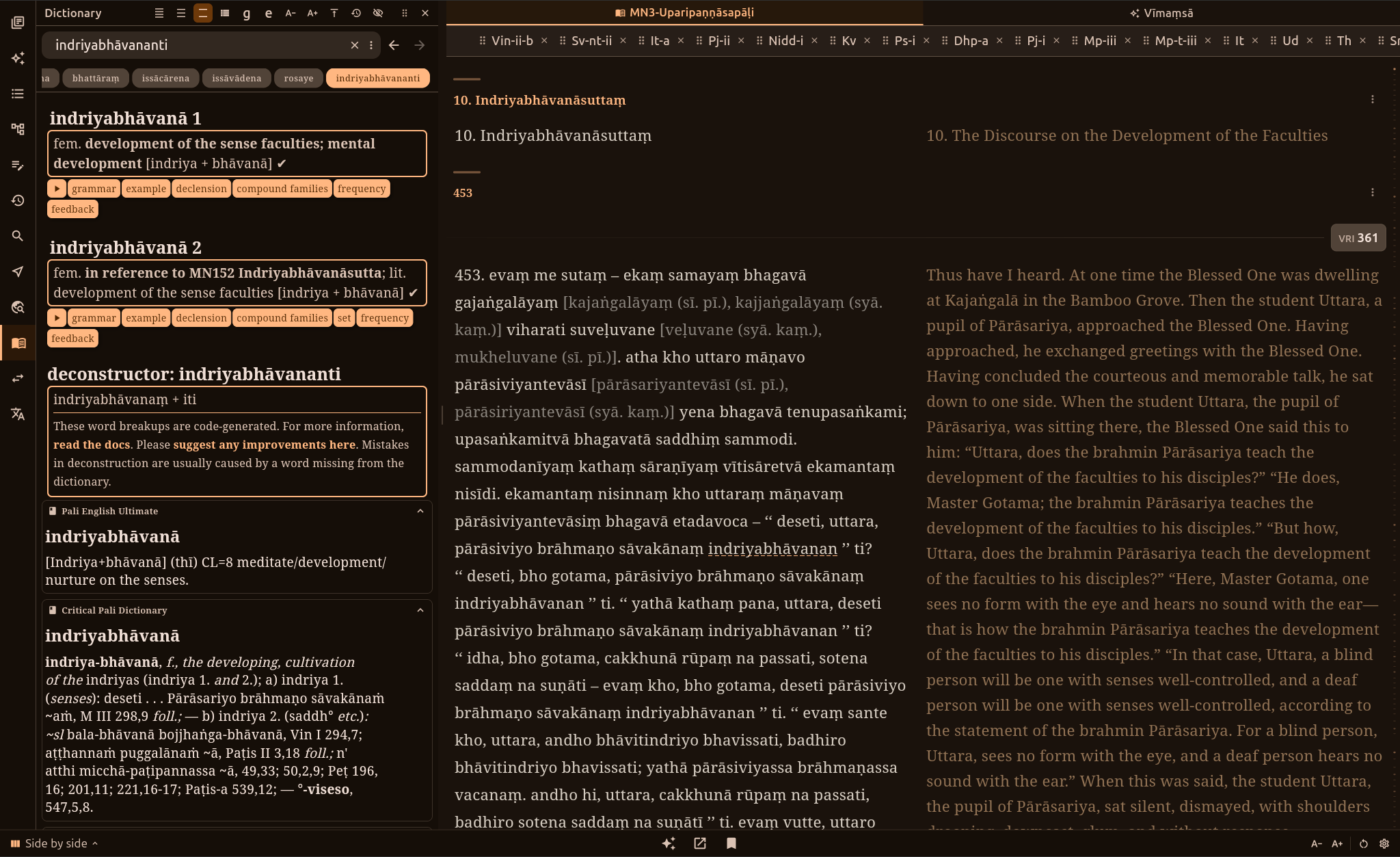
The full version of DPD is built into the ePitaka app. This is the app that I personally use for my daily Pāḷi reading and study. It shows the Pāḷi and a translation side by side, sentence by sentence, in over 20 languages. Tap any word and the full DPD entry opens right next to the text.
ePitaka contains
- the full Chaṭṭha Saṅgāyana Tipiṭaka, with commentaries
- translations in over 20 languages, including Myanmar Nissaya
- the full DPD, with the deconstructor and grammar dictionary
- Pāḷi in 18 scripts
- fast search across all books
- highlights, notes and bookmarks
- read-aloud with word-by-word highlighting
- AI study tools
Everything works offline, except DPD's audio pronunciation and the AI tools.
Translations
You can read the Pāḷi side by side with a translation in any of these languages:
Bengali, Chinese, English, French, German, Hindi, Indonesian, Japanese, Khmer, Korean, Lao, Myanmar, Myanmar Nissaya, Nepali, Portuguese, Russian, Sinhala, Spanish, Tamil, Thai and Vietnamese.
Download the ones you want from inside the app.
Install
ePitaka is available for
- Windows from the Microsoft Store
- Android from the Play Store
- Windows, Mac, Linux and Android from the releases page on GitHub
The first time you open ePitaka, a setup wizard downloads the Tipiṭaka, the English translation and DPD. After that, the app works without an internet connection.
Looking Up a Word
To look a word up in the dictionary, simply tap on it. On desktop, DPD opens in a panel next to the text. On a phone, it slides up from the bottom of the screen.
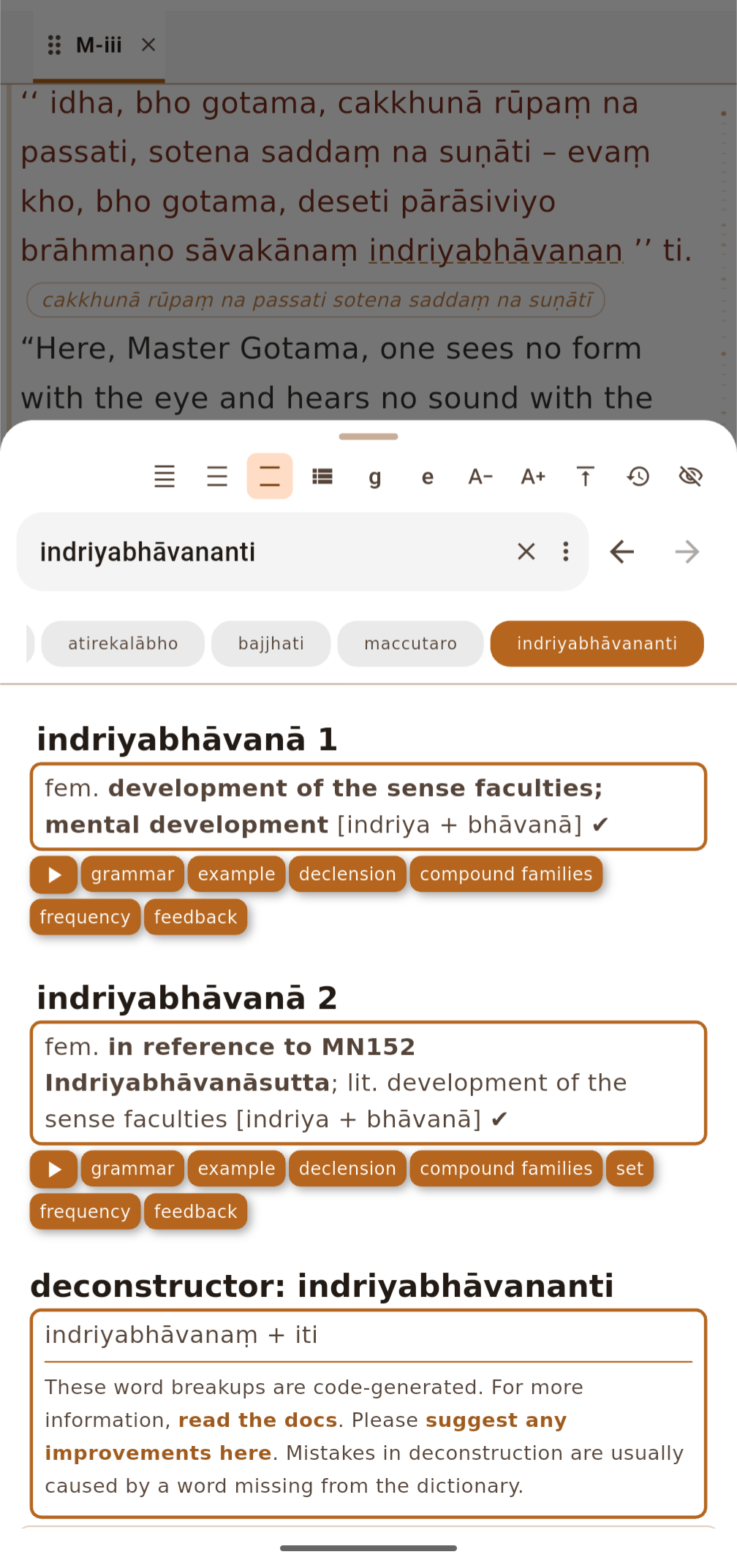
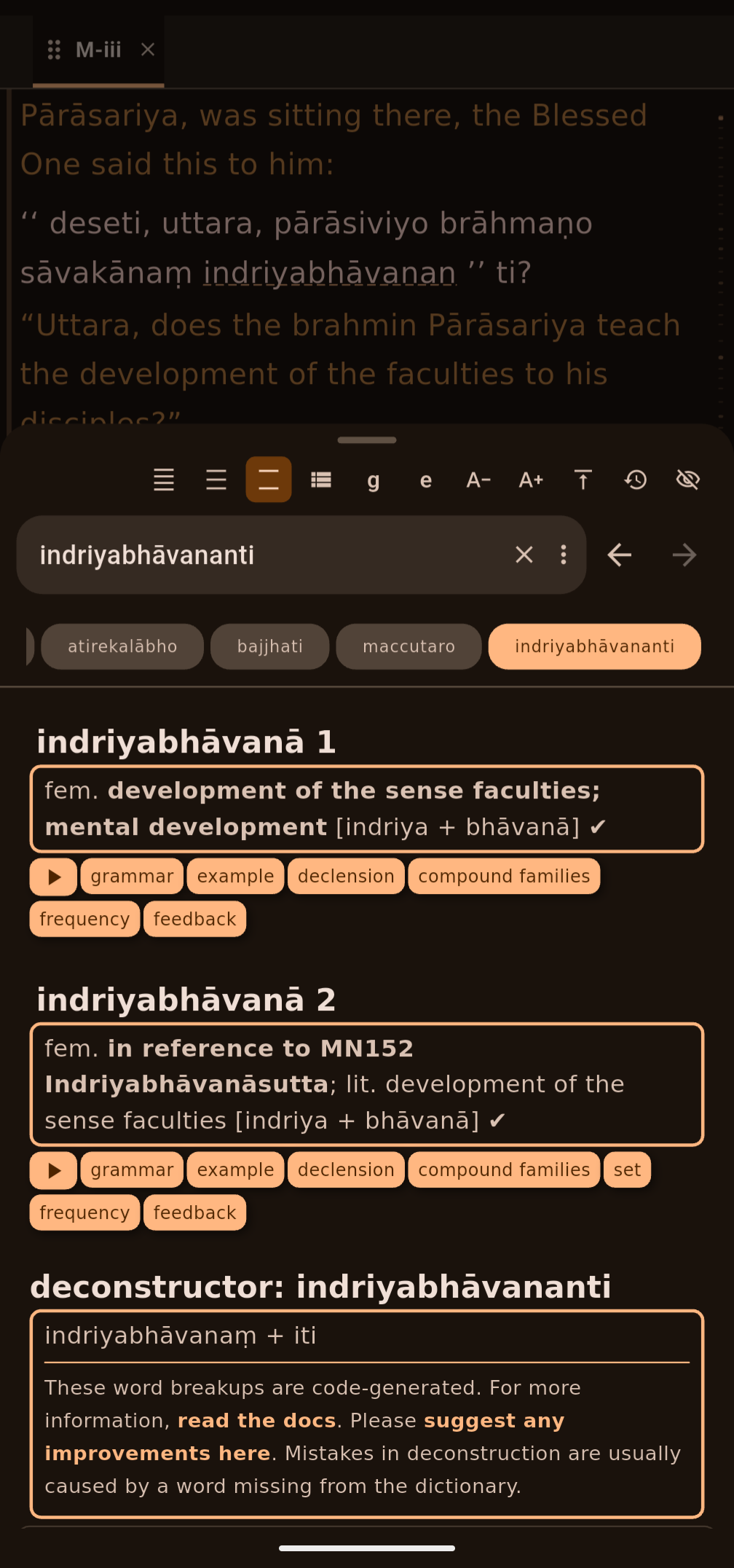
The entry has buttons to open inflection tables, roots, families, frequency and sutta examples. Click the speaker to hear the word pronounced.
If the word is a compound or sandhi, ePitaka shows how DPD's deconstructor splits it.
You can also type a word into the dictionary panel's search box.
Choose How Much to Show
DPD in ePitaka has three levels of detail.
- Saṅkhitta (Brief) shows just the summary line.
- Majjhima (Standard) shows the summary with buttons for more. This is the default.
- Vitthāra (Full) shows everything.
Get The Latest Version of DPD
ePitaka checks for a new DPD release when the app starts. When there is one, a notice pops up with a button to download it.
If your connection drops during the download, it picks up again from where it stopped.
AI Study Tools
ePitaka also has AI tools for studying the texts.
- Vīmaṃsā answers your questions about what you are reading. Each answer has links back to the passages it used.
- Gavesanā searches the Tipiṭaka for whatever you describe in your own words.
- Translation Builder lets you make a new translation of the Tipiṭaka into your own language.
The translations in the app are made with the Translation Builder.
⚠️ Always double-check AI responses. AI can be completely wrong while sounding confident. Treat its answers and translations as a study aid, and check them against the Pāḷi.
More Info
ePitaka is also available as a website at epitaka.org.
ePitaka is open source under CC BY-NC 4.0, at github.com/dhammanana/epitaka_app. Go and give it a star ⭐.
Please report bugs on the issues page, or email the developer at epitaka.org@gmail.com.